About your 14-day trial and what happens when it ends
Every workspace starts with 14 days of full access and no card. Where the countdown shows, and what the plan wall keeps, blocks and lets you download.
The short answer
- Every new workspace gets 14 days of the whole product, with no card. The days count from the moment the workspace is created, and nothing extends them.
- When the trial ends without a plan, every page opens behind a plan wall. Nothing is deleted, and your CSV downloads keep working.
- Choose Studio on the wall and you are back on the page you were on.
- A team member without money access sees no prices on the wall, only a note to ask an owner.
What do I get during the trial?
Every new workspace starts a 14-day trial of the Studio plan: every page, unlimited materials, and no card to enter. The 14 days start when the workspace is created, not when you first sign in.
Nothing extends the trial. A checkout that fails, or one you leave before paying, neither adds days nor takes any away.
Where do I see how many days are left?
- The line under the top bar reads 'Trial:' followed by the days left, with Choose a plan beside it. On the last day it reads '1 days left'.
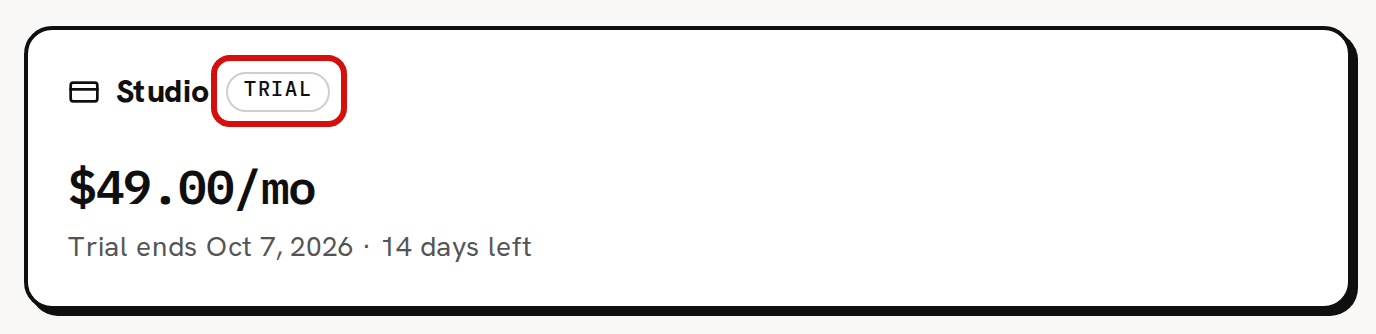
- Settings › Billing shows the Trial badge and 'Trial ends' followed by the end date and the days left.
- In the sidebar, the line under the Trackost name reads 'Studio trial'.
Can I choose a plan during the trial?
Yes. Open Settings › Billing, pick Monthly or Annual under Change plan and click Choose Studio. Choose a plan and subscribe walks through the checkout.
There is no Cancel plan during a trial, because nothing renews. If you decide not to continue, you don't need to do anything. The trial ends on its own and nothing is charged.
What happens when the trial ends?
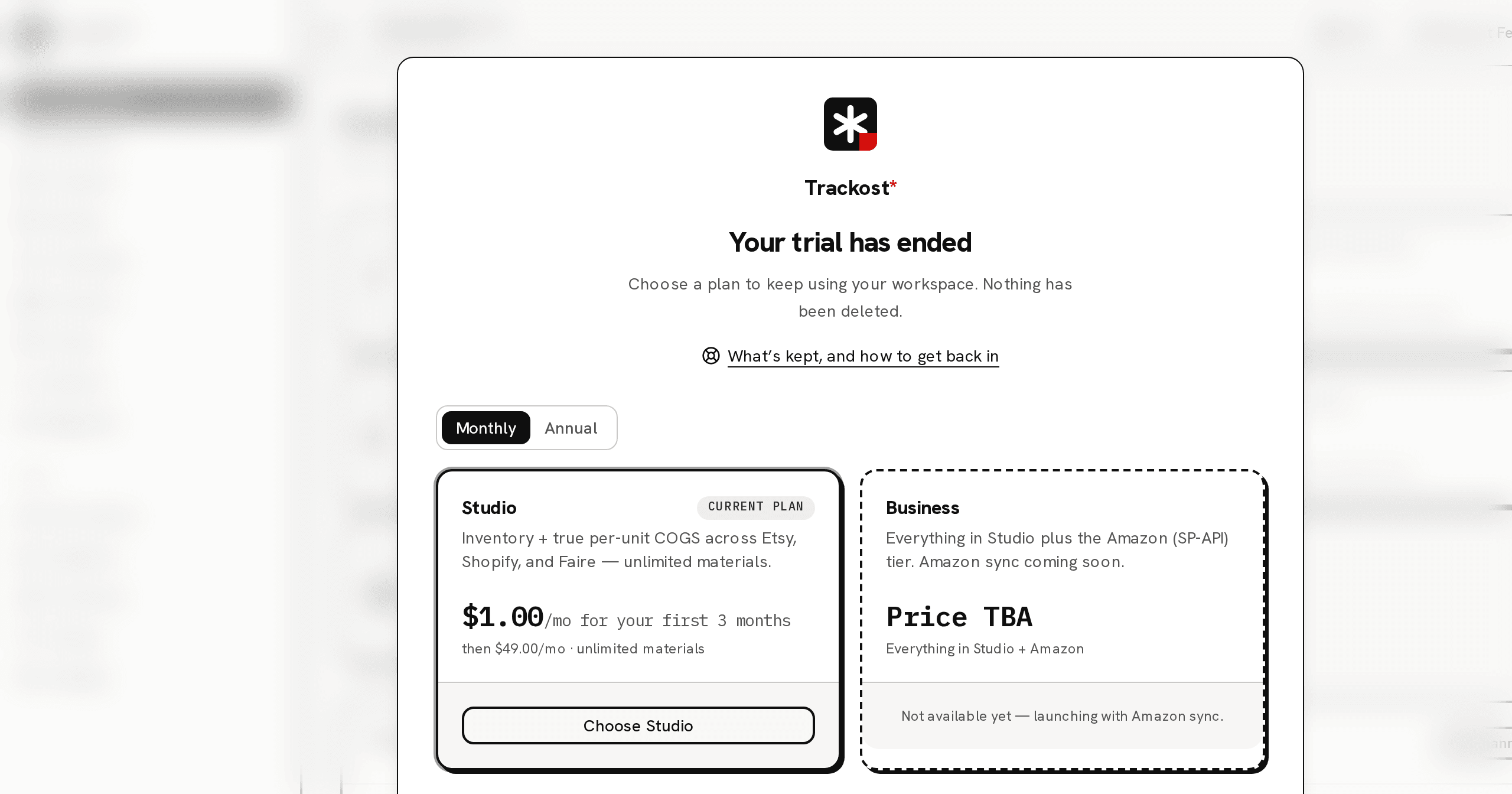
If the 14 days end without a plan, every page opens behind the plan wall. Your own page stays in the background, blurred, with 'Your trial has ended' and 'Choose a plan to keep using your workspace. Nothing has been deleted.' in front of it. The web address doesn't change.
Behind the wall nothing can be read or clicked, the sidebar and the top bar included. If a page left open in another tab tries to save something, it is refused with 'Your plan has ended — subscribe to continue making changes.'
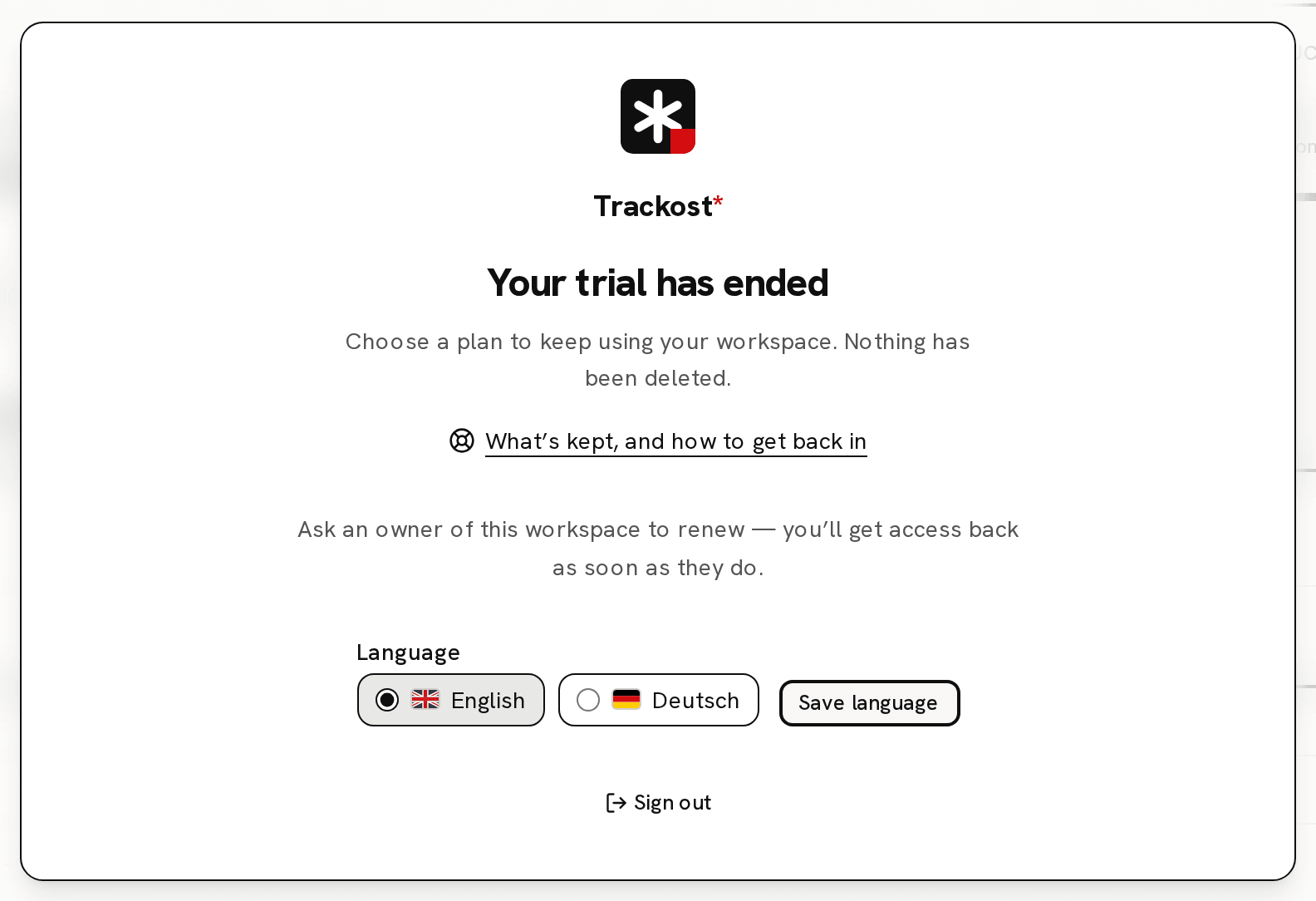
The wall itself holds the plan cards, your Payment history, a Language choice with Save language, Sign out at the bottom, and a link to this article.
What is kept, and what still works?
Everything you entered is kept: materials, recipes, batches, orders, purchases and their history. Nothing is deleted while the workspace is locked.
Three things still work on the wall: changing the language, signing out, and choosing a plan. Your CSV downloads work too, as the next section explains.
How do I get my data out while the workspace is locked?
The Export CSV buttons sit behind the wall, so you can't click them. The downloads themselves still work when you open their addresses directly, in the same browser where you are signed in:
app.trackost.com/reports/export/materials,app.trackost.com/reports/export/productsandapp.trackost.com/reports/export/orders;app.trackost.com/reports/export/followed by a report name:pnl,sales-vs-expenditure,orders-summary,orders-margin,orders-by-category,product-leaderboard,purchases-by-category,adjustments-summary,manufacture-summary,reorderorworksheets.
The reports that cover a period download this year's figures. Add ?range=all to the address to get all time instead, for example app.trackost.com/reports/export/pnl?range=all. Every download except reorder and worksheets needs money access. The picklist has a download too, but it needs a recipe chosen on its page, so it isn't in this list.
How do I get back in?
On the wall, pick Monthly or Annual and click Choose Studio. Monthly is $1.00/mo for your first 3 months, then $49.00/mo. Annual is $39.00/mo billed annually, $468.00 a year. The checkout opens inside the wall. When the payment goes through, the wall comes off and you are back on the same page, with everything where you left it.
The same wall appears in two other cases. When a subscription has ended, it reads 'Your subscription has ended'. When a payment fails, it reads 'Your last payment didn’t go through'. There is no screen for changing the card on a plan. Email support@trackost.com from the address on the account to get the card on your existing subscription updated. Choosing a plan on the wall instead starts a second subscription beside the failed one, which can end in a double charge.
What do team members without money access see?
A member without money access sees the wall without prices, plan cards or payment history. It reads 'Ask an owner of this workspace to renew — you’ll get access back as soon as they do.' They can still change the language and sign out. As soon as an owner, or a member with money access, chooses a plan, everyone is back in.