Set your hourly labor rate
Enter what an hour of your work costs so every product you make includes labor in its true cost, and see what changes, and what doesn't, when you edit it later.
Your labor rate is what an hour of your work costs. Trackost adds it to the cost of everything you make, using the minutes each recipe says one run takes. On Settings, you need money access to see or change the rate. Without it the Labor rate card isn't shown there, and a save is refused with 'Editing the labor rate requires money access.' When your plan has ended, saving is refused with 'Your plan has ended — subscribe to continue making changes.'
Enter the rate
Open Settings in the sidebar. The General tab opens first, and Labor rate is its second card.
Type what an hour of your work costs, for example 18.50. The field is labeled with your workspace's currency: Rate (USD per hour) in a US dollar workspace. Leave it blank if you don't want labor in your costs; a blank rate saves as 0.
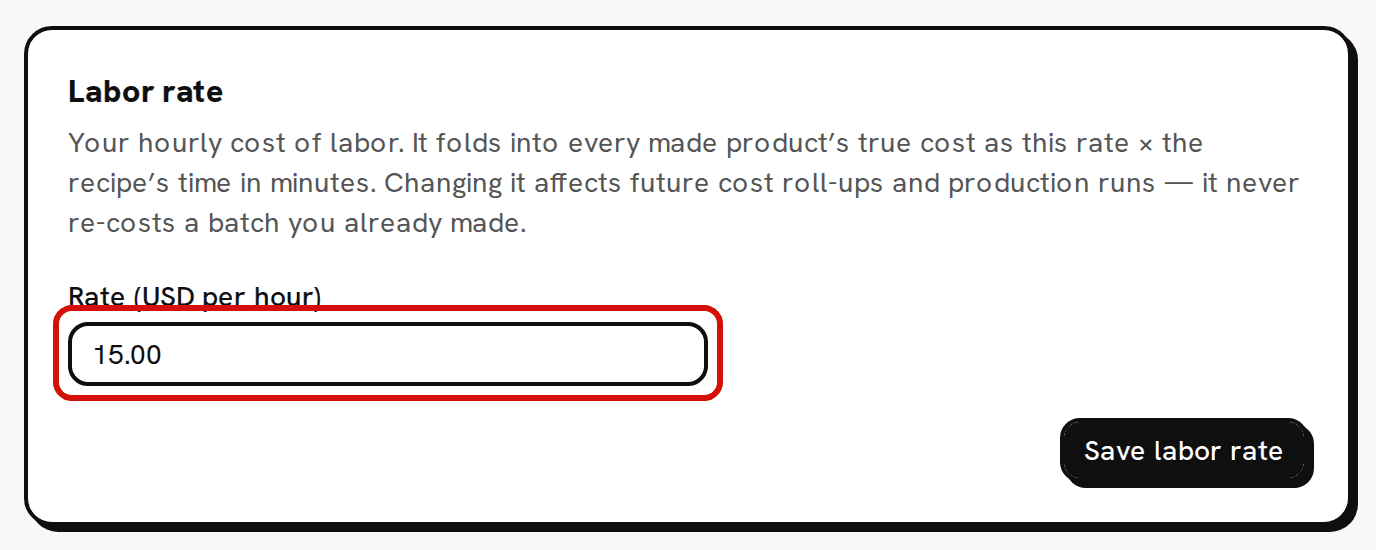
The rate is per hour, in your workspace currency. Click Save labor rate. 'Labor rate saved' confirms it.
How the rate reaches product cost
For each run of the recipe, labor is your hourly rate times the recipe's Labor (minutes), divided by 60 and rounded to the cent. Trackost adds it to that run's materials before dividing by Yield (units per run), so each unit carries its share. A batch of 30 from a recipe that makes 1 carries 30 runs of labor.
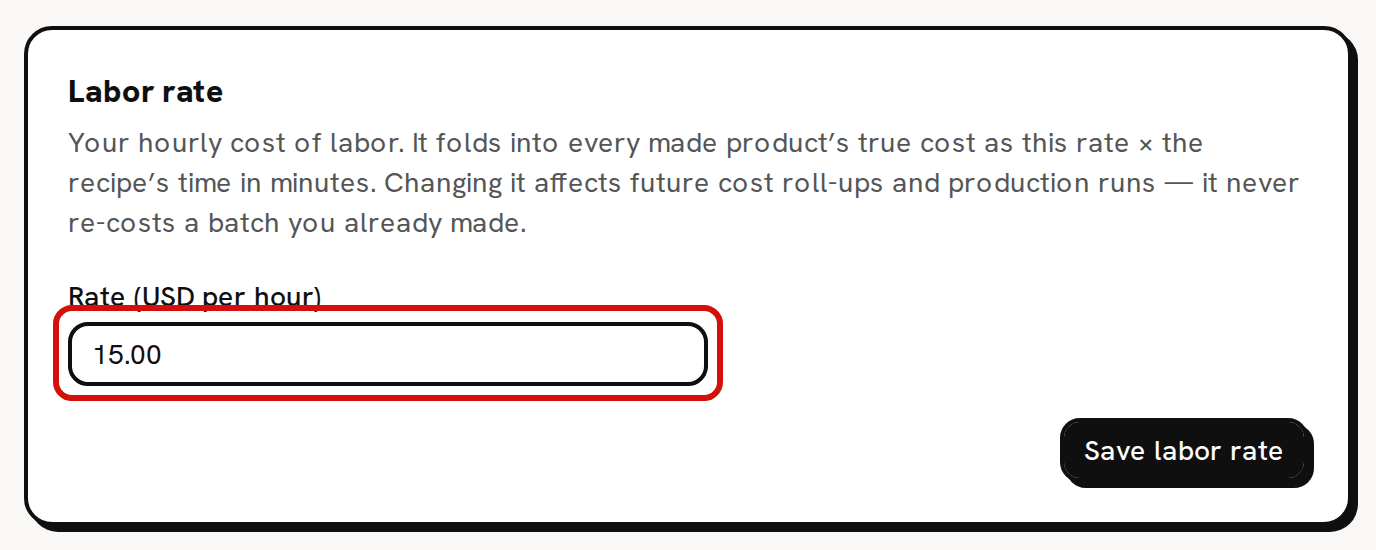
On the sample workspace the rate is $15.00 an hour and the Lavender Candle recipe takes 10 minutes for one candle. That is $2.50 of labor in each candle, and it is part of the recipe's Unit cost (incl. labor).
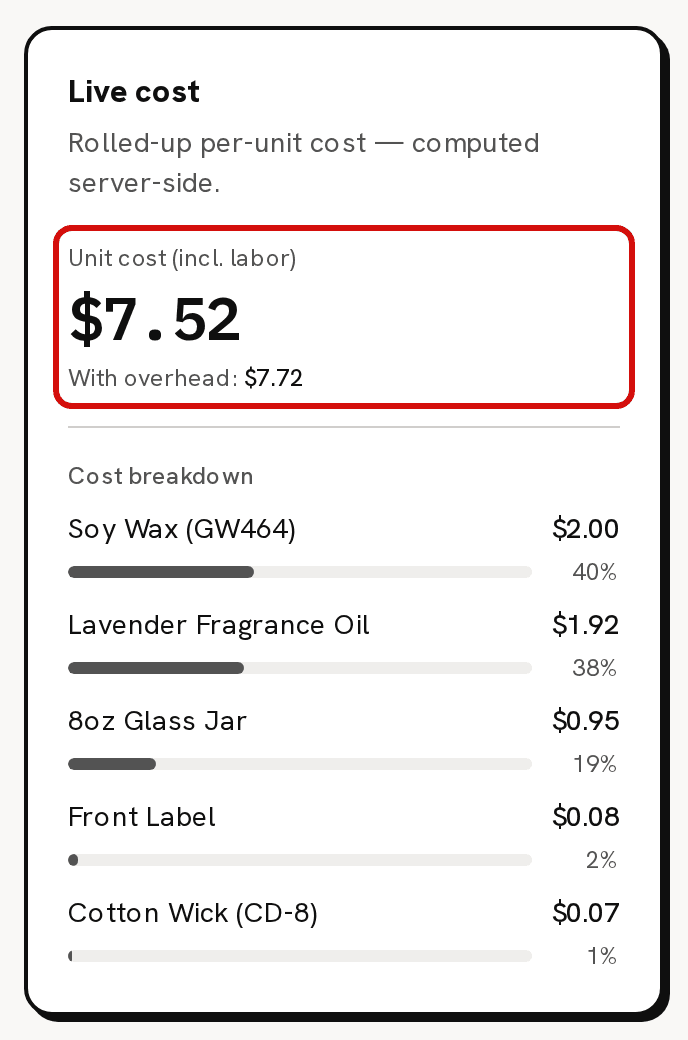
Labor is always part of the unit cost. A recipe with 0 minutes carries no labor. The recipe's flat overhead is different. It shows on the recipe's With overhead: line and in Full cost on Pricing, but it never reaches a batch's cost.
Changing the rate later
A new rate changes the live cost on your recipes straight away, and the cost of every batch started from then on. A batch takes its labor when it starts, so it never re-costs a batch you already started or a sale you already fulfilled, which keep the cost they were given. Stock you already hold keeps its cost too, and new batches at the new rate blend into it.
Step 1 of Get started has the same field, labeled Labor rate (USD per hour) in a US dollar workspace, and Save profile saves it with the rest of the profile. That step is open to every member, so a member without money access can see and change the rate there.
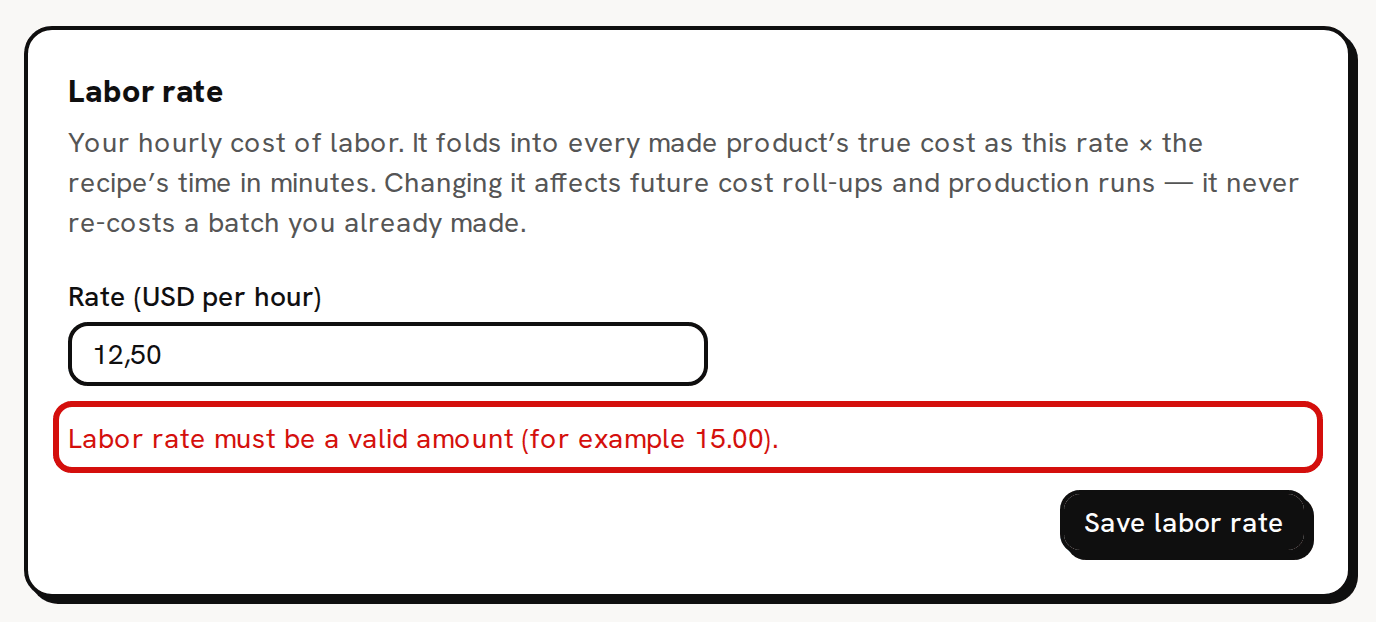
If you see 'Labor rate must be a valid amount (for example 15.00).'
Type the rate the way decimals are written in the language Trackost shows you in this browser: 15.00 in English, 15,00 in German. In English, 12,50 is refused. Use at most two decimals, and don't enter a negative number.