Set yield, labor minutes and overhead
How the yield divides a run's cost, how labor minutes are priced at your labor rate, and where the optional overhead per run shows up, and where it doesn't.
Three fields in a recipe's Yield & costs card turn one run into a cost per unit: the yield, the labor minutes and the overhead. Set them on the recipe page, reached from Recipes. You see Overhead ($) and the costs only with money access; without it, the card is called Yield & labor. If your trial or plan has ended, the save is refused with 'Your plan has ended — subscribe to continue making changes.'
Set the three fields
In the Yield & costs card, type the Yield (units per run): how many finished units one run makes.
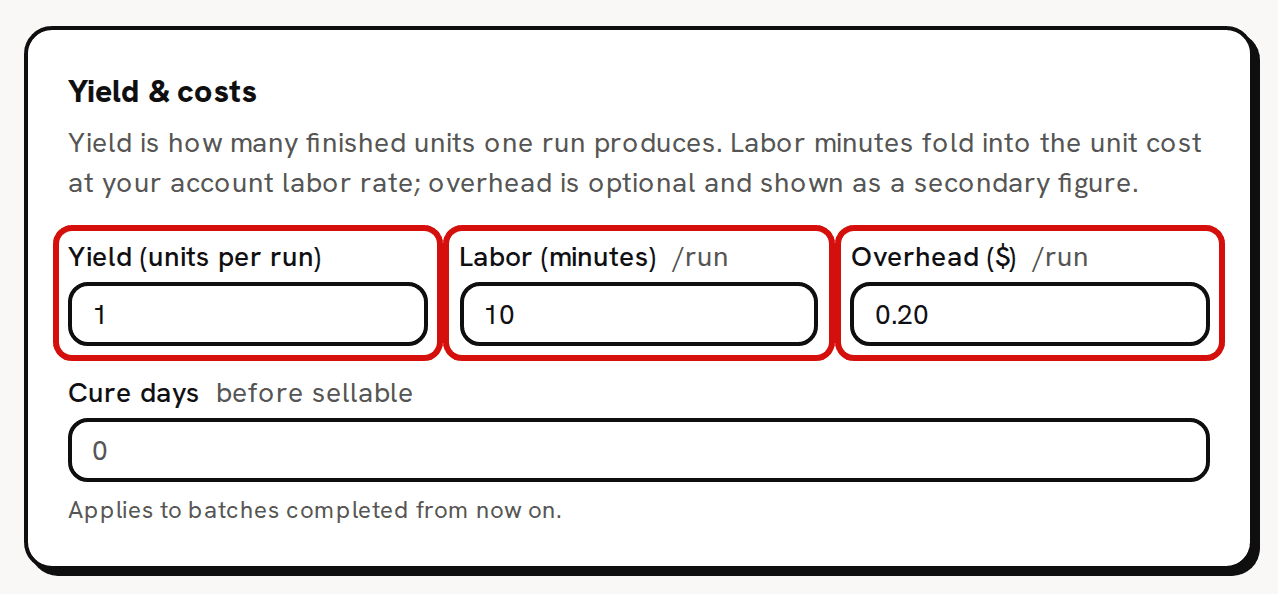
The sample candle: 1 candle a run, 10 minutes of labor, $0.20 overhead. - Type the Labor (minutes) one run takes you, start to finish.
If you like, type an Overhead ($) for each run. The Live cost card then shows a second line, With overhead:, under the headline.
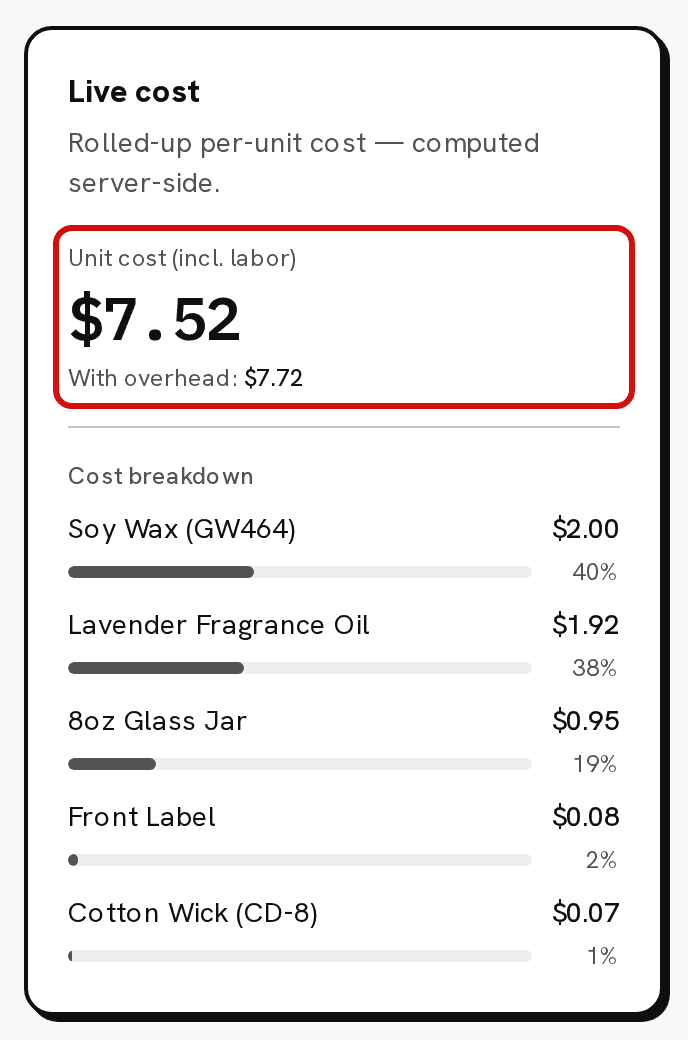
$5.02 of materials + $2.50 of labor = $7.52. Overhead adds $0.20 on the second line. - Click Save recipe version. Each save is a new version of the recipe.
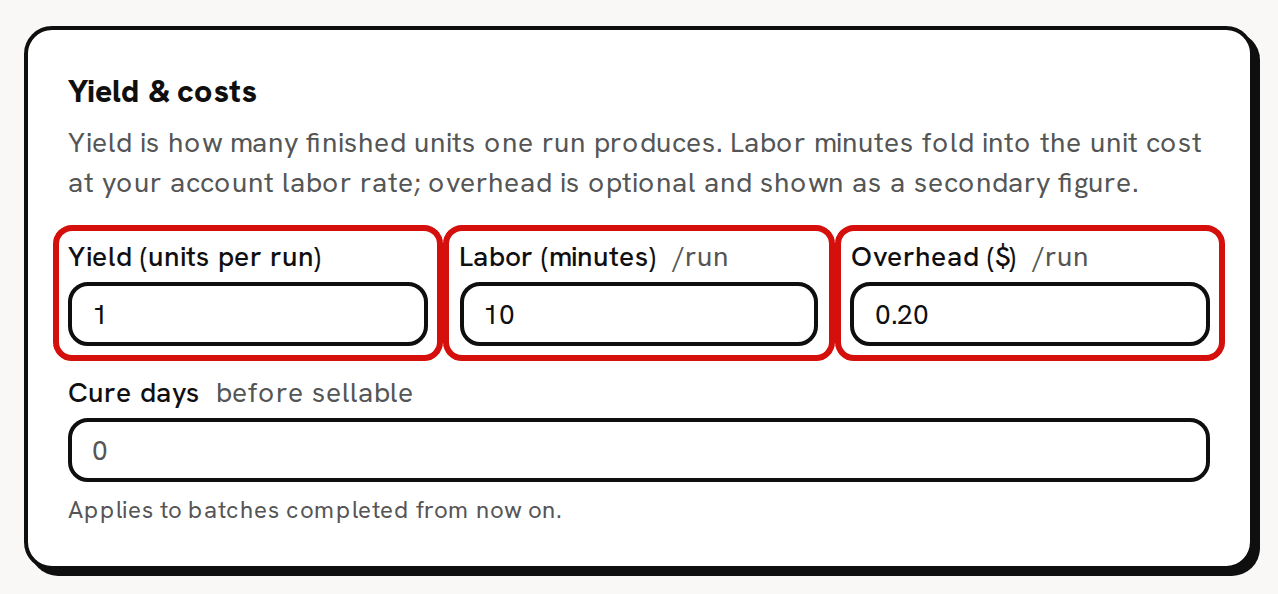
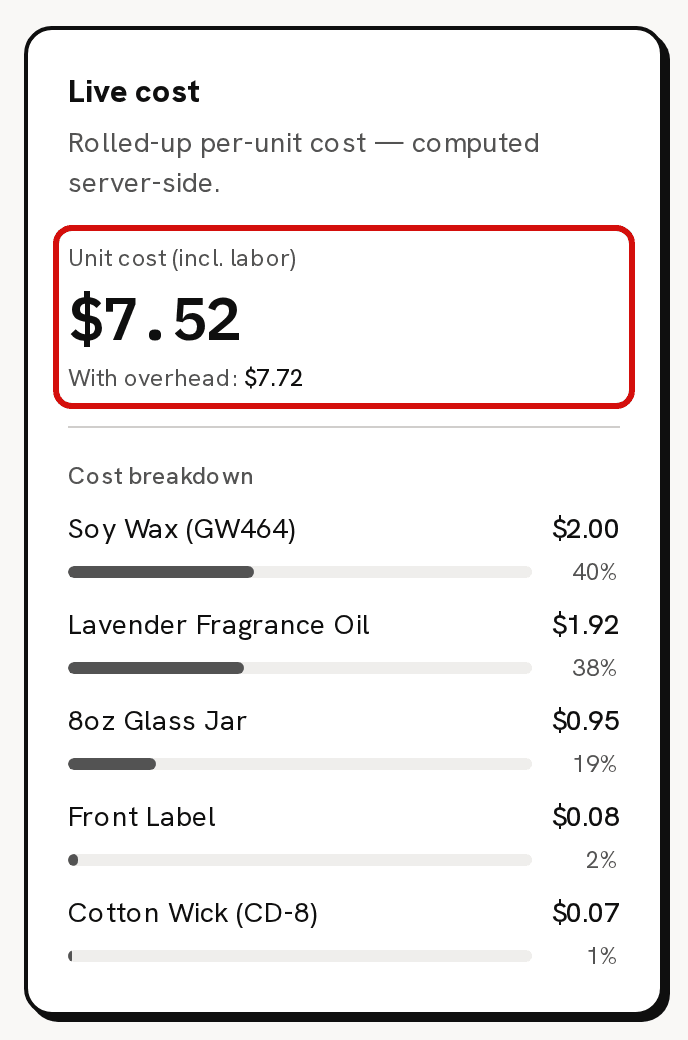
Yield (units per run)
The yield is how many units one run makes. Trackost adds up everything the run costs, then divides by the yield. If one pour fills 12 jars, the yield is 12, and the component quantities and labor minutes are for all 12. It must be more than 0, or the save is refused with 'Yield quantity must be greater than 0'.
Labor (minutes) and your labor rate
Labor is your hourly labor rate times the run's minutes, divided by 60 and rounded to the cent. It's added for the whole run before the division by the yield, so each unit carries its share. Labor is always part of the unit cost; there is no switch to leave it out. A recipe with 0 minutes has no labor.
The rate is on Settings › General, in the Labor rate card: Set your hourly labor rate. A new rate changes the live cost of every recipe straight away. It never re-costs a batch you already started or made: a batch takes its labor when it starts.
Overhead ($): the second figure
Overhead is a flat amount for each run, for costs that aren't a material you use up. It is kept out of the main figure:
- The recipe page shows it on its own line, With overhead:, under Unit cost (incl. labor). The line appears once the overhead is more than 0.
- Pricing uses the with-overhead figure as the product's Full cost.
- It is not in the Unit cost on Recipes, and no batch includes it. A batch's cost has the materials and the labor only, so the overhead never becomes part of your stock's cost or of a sale's cost of goods.
The label reads Overhead ($) whatever currency your workspace uses. Type the amount in your workspace's currency. A member without money access doesn't see the field, and a save by them keeps the overhead already saved.
Rent, electricity and outsourced steps go in overhead, not in materials
A material is something you count in stock and use up, one run at a time. A share of your rent or electricity, or a step someone else does for you, isn't. Don't add those as materials. Each batch would take them out of stock, and with none bought in, their count would go below zero and the batch would be flagged as short on stock. Put their share of one run in Overhead ($) instead, so Pricing includes it when you check your prices.
Worked example: the sample candle
The sample Lavender Candle recipe makes 1 candle a run, takes 10 minutes and has $0.20 of overhead:
- Soy Wax (GW464): 200 g at $0.01 a gram = $2.00.
- Lavender Fragrance Oil: 16 ml at $0.12 = $1.92.
- 8oz Glass Jar: $0.95. Front Label: $0.08. Cotton Wick (CD-8): $0.07.
- Materials together: $5.02.
- Labor: 10 minutes at $15.00 an hour = $2.50.
- Unit cost (incl. labor): ($5.02 + $2.50) ÷ 1 = $7.52.
- With overhead: $7.52 + $0.20 = $7.72, the Full cost on Pricing.
Made in a batch today, each candle would take $7.52 into stock, not $7.72.