TUTORIAL: Introduction to recipes
About 20 minutes, as a soap maker: turn a Lavender Soap Bar into a recipe with components, yield, labor and overhead, read its live cost and save version 1.
What is a recipe?
A recipe, or bill of materials, says what one run of a product uses: which materials, how much of each, how many units the run makes and how long it takes you. From that, Trackost works out what one unit costs to make, at what your materials cost today. When you log a batch, it takes its cost from the recipe.
In this tutorial you give the sample Lavender Soap Bar its first recipe: 5 ml of fragrance oil and a front label per run of 10 bars, 15 minutes of work and $2.00 of overhead. Then you read the cost and save it.
You'll need your materials and your labor rate
The recipe reads both, so set them up first:
- Your materials, on Materials. Add a material shows how.
- Your hourly labor rate, on Settings › General, in the Labor rate card. Set your hourly labor rate shows how. The sample workspace uses $15.00 an hour.
Step 1: Open the recipe from Recipes
- Click Recipes in the sidebar. Every variation of every product has a row.
On the Lavender Soap Bar row, click No recipe — build one, or Build at the end of the row.

Start from Recipes: the soap has no recipe yet. Check the header of the recipe page that opens. It says 'No recipe yet for Default. Build the first version below.' Default is the soap's only variation.
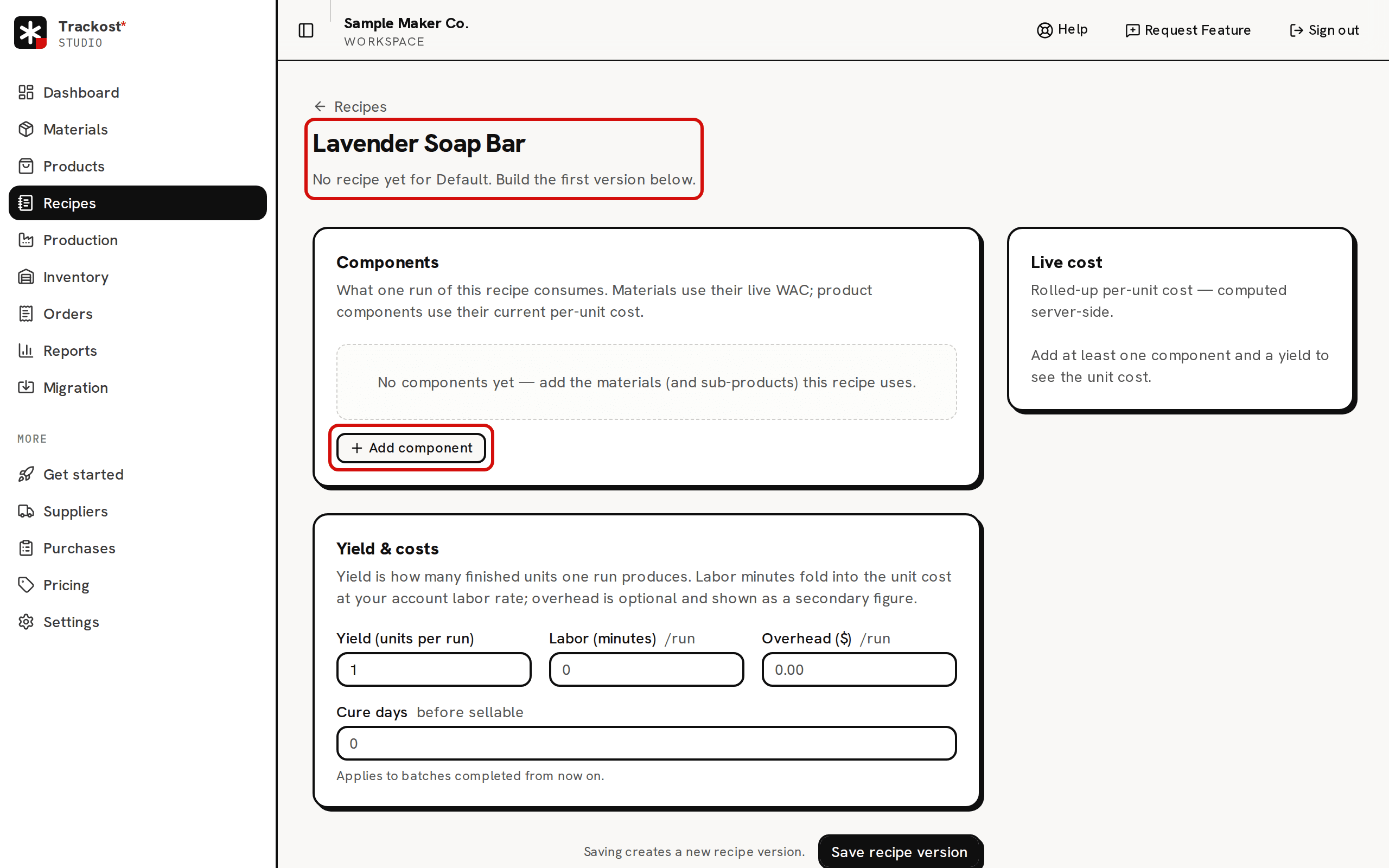
A product with no recipe yet. Yield starts at 1.

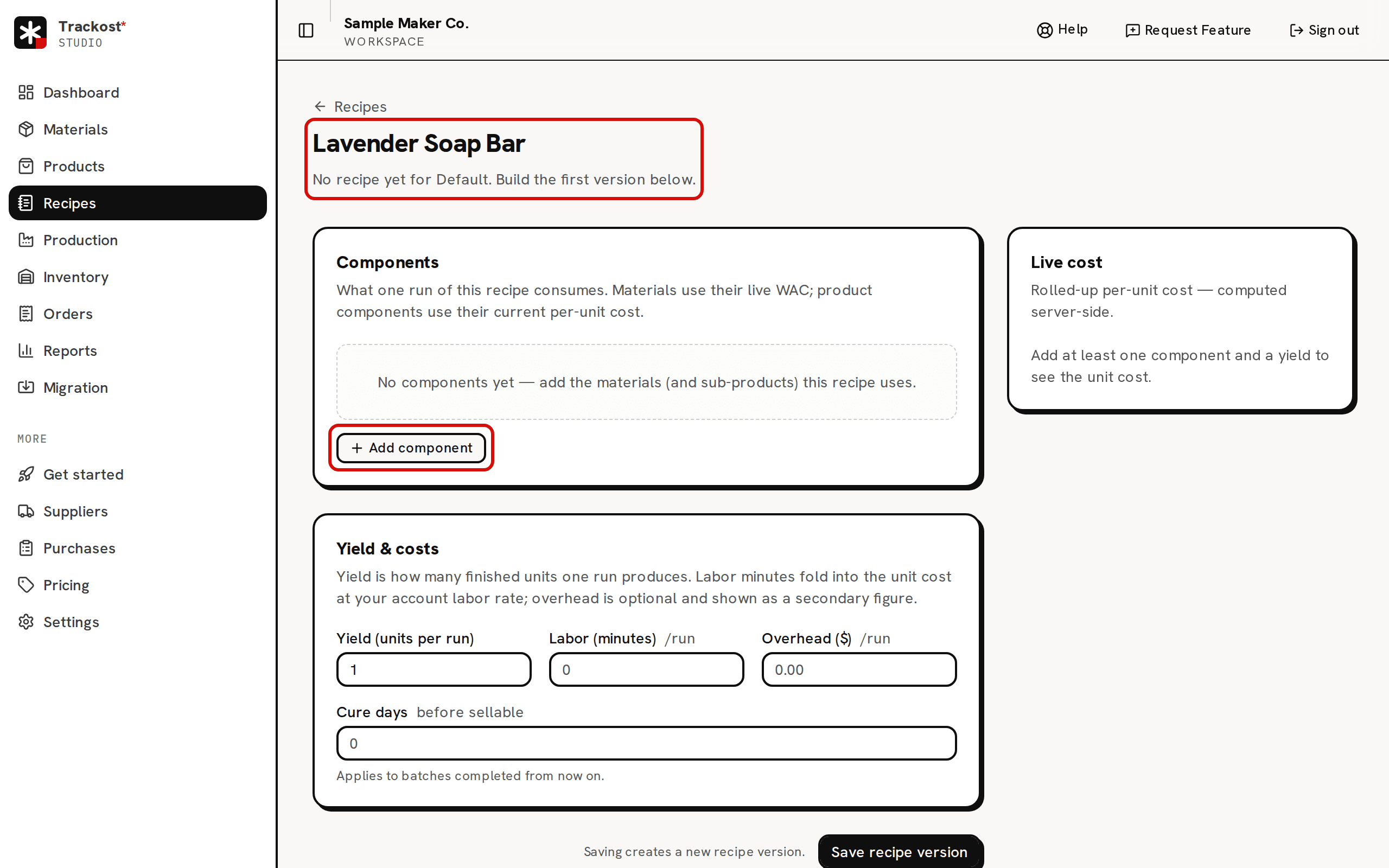
Products has a Build recipe button too, but only on products that already have a recipe. A product's first recipe always starts here, from Recipes.
Step 2: Add the components one run uses
- Click Add component. A row appears with Type set to Material.
- Under Item, open Select a material and pick Lavender Fragrance Oil. The list offers only materials you track as inventory, leaving out archived ones. A tool, such as the sample Pouring Pitcher (tool), never appears.
- Type 5 in Qty (ml). The quantity is for one run, in the unit you track the material in. The label changes to match the material you pick, such as Qty (g), Qty (oz) or Qty (each), and Trackost doesn't convert it.
Click Add component again, pick Front Label and type 1 in Qty (each).
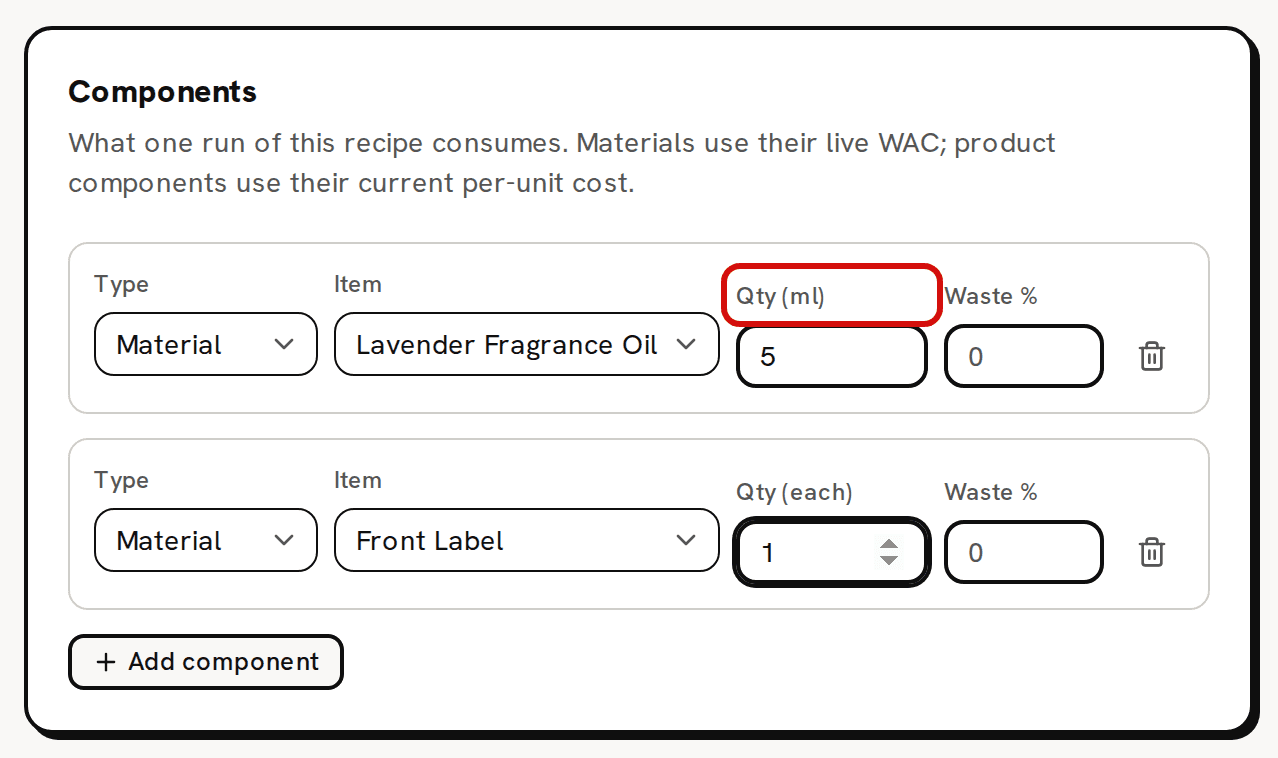
Quantities are for one run, in the unit you track the material in.
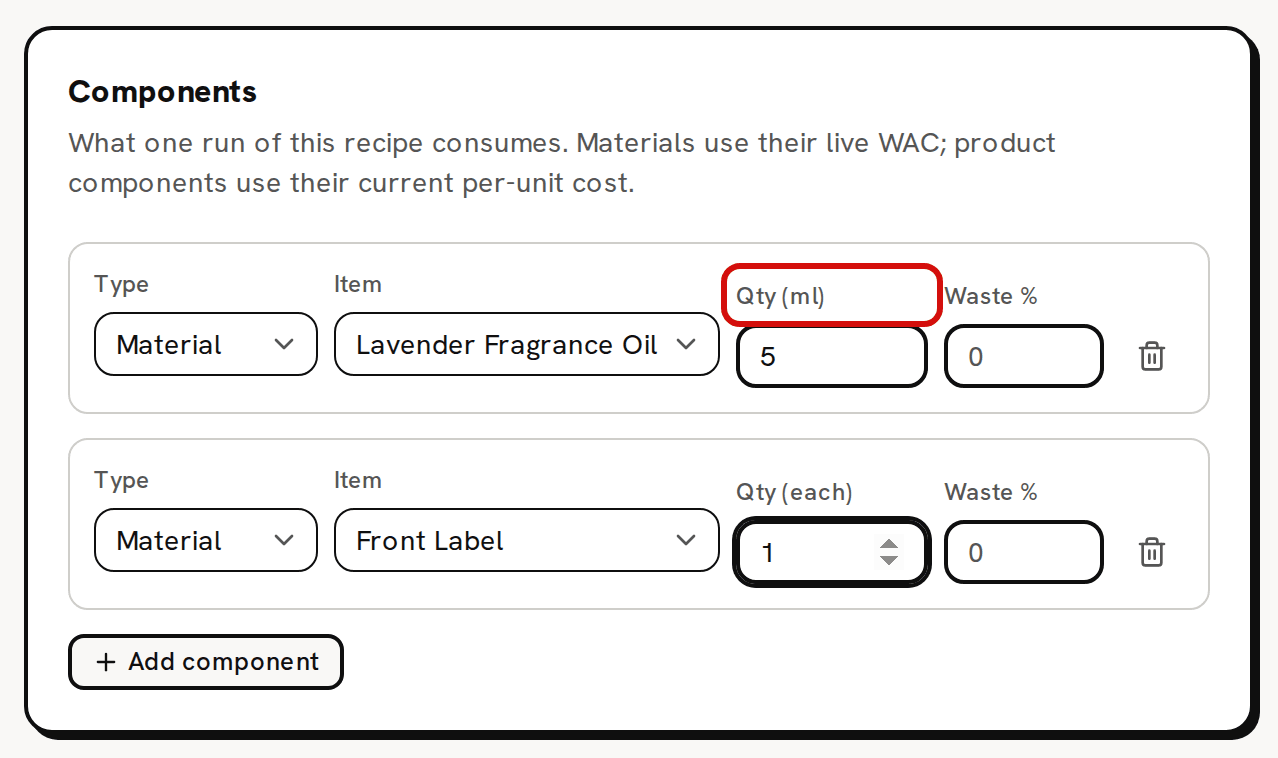
The trash icon at the end of a row removes it. Nothing is saved until you click Save recipe version.
Step 3: Yield, labor minutes and overhead
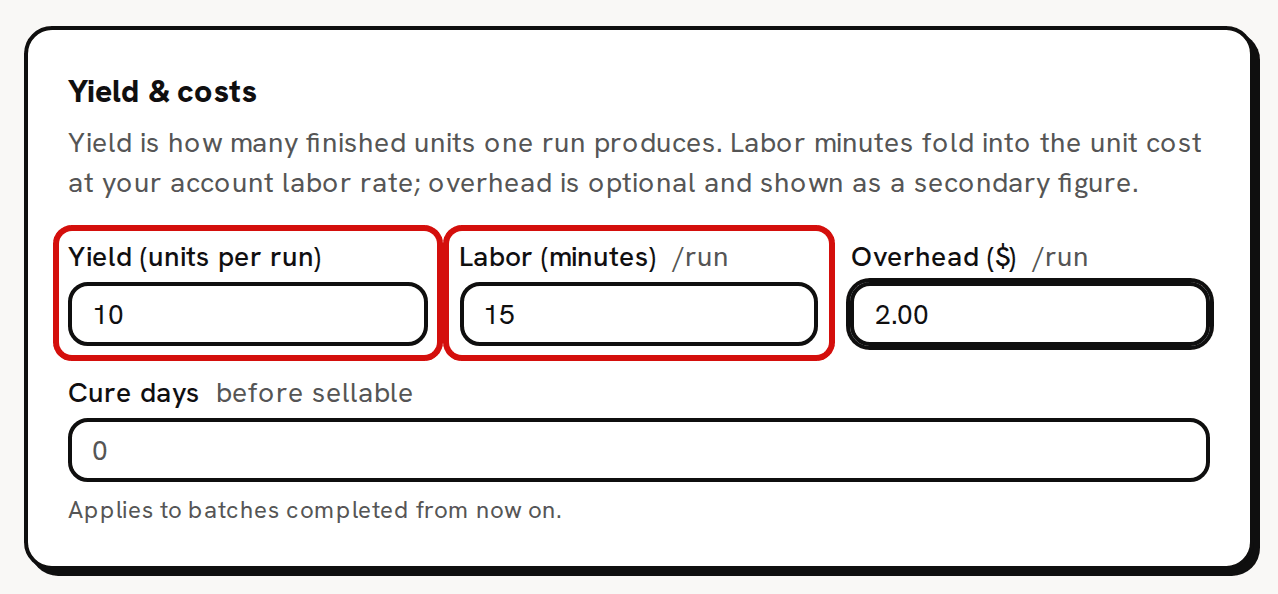
- In the Yield & costs card, type 10 in Yield (units per run): one run makes 10 bars. It starts at 1.
- Type 15 in Labor (minutes): the hands-on time for the whole run.
Type 2.00 in Overhead ($): a flat cost for each run, such as the energy the run uses.
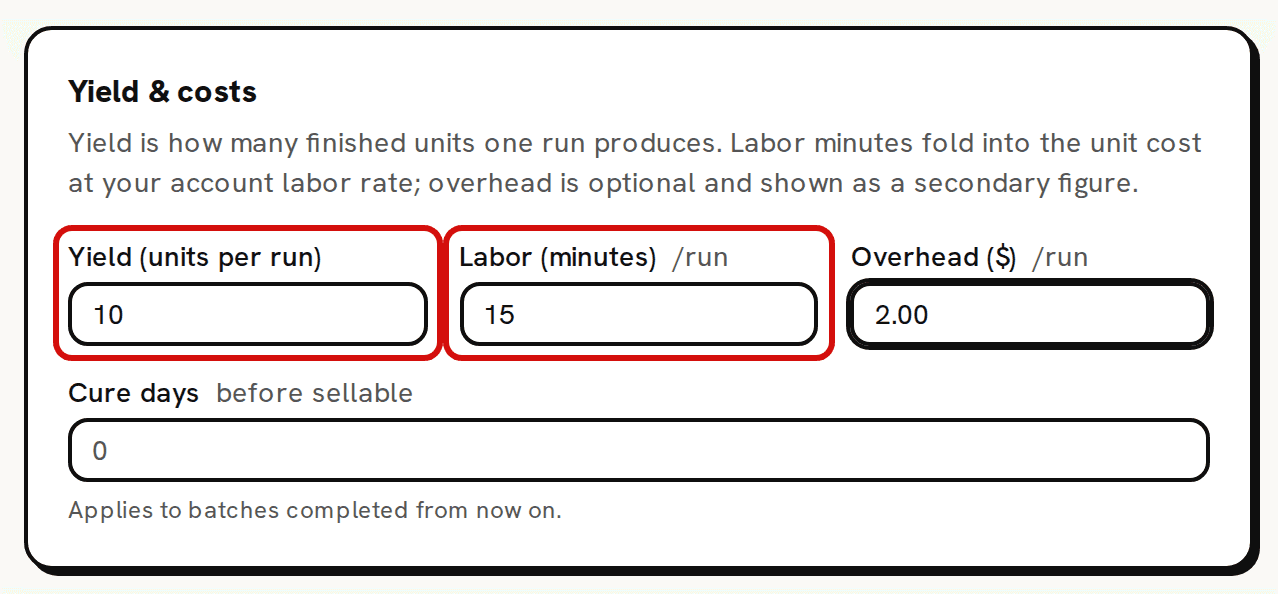
One run makes 10 bars and takes 15 minutes.
Step 4: Leave waste for later
- Leave every Waste % field empty for now, so the numbers in the next step stay exact. You add waste after saving, in "Try it" below.
Step 5: Read the Live cost panel
Watch the Live cost card on the right. About half a second after each change it works the cost out again, with a small spinner beside its title.
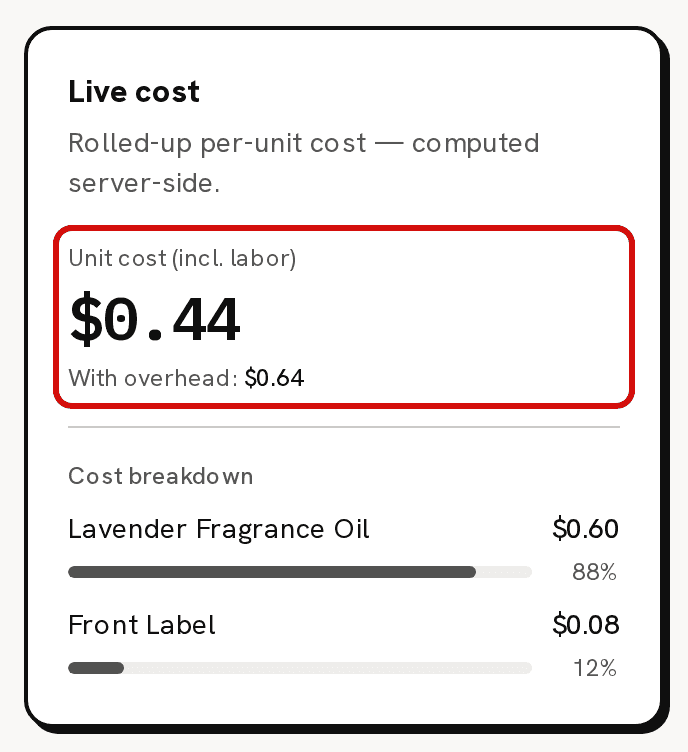
($0.60 oil + $0.08 label + $3.75 labor) ÷ 10 = $0.44 a bar. With overhead: $0.64.
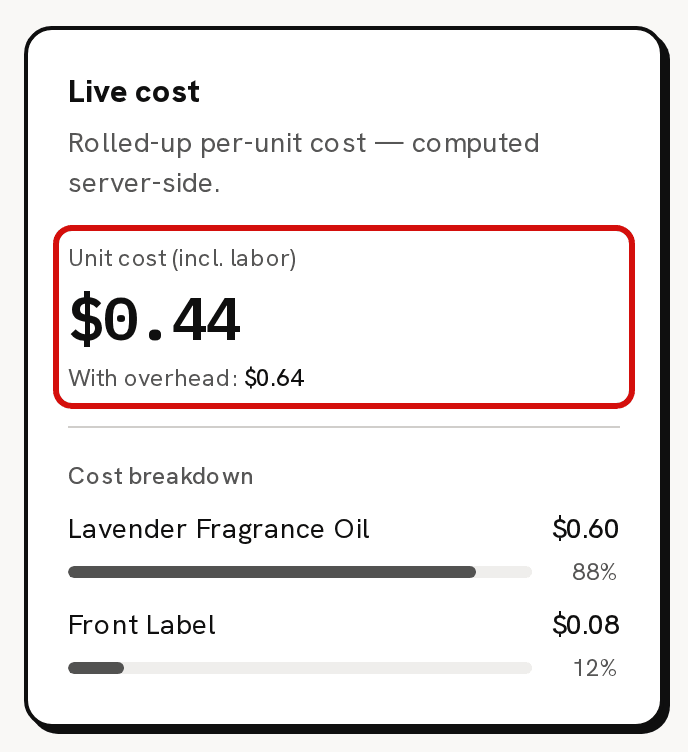
Unit cost (incl. labor) reads $0.44 and With overhead: reads $0.64.
You see the Live cost card and the Overhead ($) field only if you have money access. Without it, the second card is called Yield & labor, and you can build the recipe but see no costs.
Step 6: Save recipe version
Click Save recipe version. 'Recipe saved as a new version' confirms it, and the header now reads 'Editing recipe v1 for Default; saving creates a new version.' A v1 active badge appears at the right of the header.
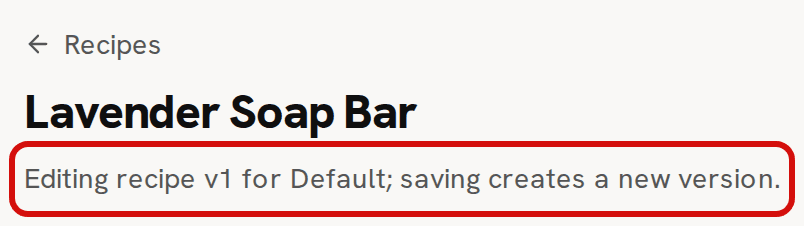
Saved as version 1.
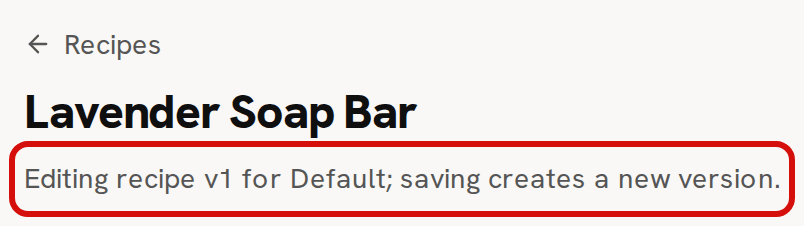
Saving creates a new version of the recipe each time. It moves no stock and changes no batch you already made. From now on the soap's Default variation is Made, and you can log batches of it on Production.
If your trial or plan has ended, the save is refused with 'Your plan has ended — subscribe to continue making changes.'
Deciphering your cost: $0.44 per bar
Trackost adds up one run, then divides it by the yield:
- Lavender Fragrance Oil: 5 ml at $0.12 a ml = $0.60.
- Front Label: 1 at $0.08 = $0.08.
- Labor: 15 minutes at $15.00 an hour = $3.75.
- One run: $4.43. Divided by 10 bars: $0.443, shown as $0.44.
The labor is always in the unit cost. It's added for the whole run before the division, so each bar carries a tenth of it.
The overhead is not in the headline. With overhead: adds it the same way: ($4.43 + $2.00) ÷ 10 = $0.643, shown as $0.64. That second figure is the Full cost that Pricing judges your price against. A batch never includes the overhead, so it never reaches the cost of your stock or the cost of what you sell.
Try it: 5% waste on the oil row ($0.45)
Waste % covers what you lose to the pot and the bench.
- Type 5 in the Waste % field of the Lavender Fragrance Oil row.
The oil now counts as 5.25 ml a run. The oil line itself stays at $0.60, and a Waste line appears at the bottom of Cost breakdown with the cost of the extra 0.25 ml, $0.03. The run now costs $4.46, so the headline moves to $0.45 ($4.46 ÷ 10 = $0.446), and With overhead: moves to $0.65.
Trackost uses the waste twice on purpose, in the cost and in the stock a batch takes. With 5% waste, every run takes 5.25 ml of oil out of stock.
Clear the field to go back to $0.44, or click Save recipe version to keep it, as version 2.
What you have now
- A recipe for the Lavender Soap Bar's Default variation: two components, a yield of 10, 15 minutes of labor and $2.00 of overhead per run.
- A live cost of $0.44 a bar, $0.64 with overhead, that follows your material costs and labor rate.
- A product you can now make on Production.
To understand versions, yields and nested products in more depth, read About recipes (bills of materials).