Add stock with a cost basis (opening stock)
Add units to an item and tell Trackost what they're worth, so its weighted-average cost blends correctly. An item with nothing on hand needs one.
When you add stock with an adjustment, the Cost basis tells Trackost what the added units are worth, all together. Trackost blends them into the item's weighted-average cost, the way it blends a purchase. Only a team member with money access sees the field. When your trial or plan has ended, recording the adjustment answers 'Your plan has ended — subscribe to continue making changes.' An adjustment is dated the moment you record it, so it's refused while your inventory start date is after today: 'This transaction is dated before your inventory start date (2026-10-01). Trackost only tracks inventory from that day onward — pick a later date.' Set your start date on or before the day you count your opening stock. About the inventory start date explains the check.
When you need a cost basis
- The item has nothing on hand. Trackost has no cost to value the new units at, so it refuses the adjustment without one.
- You're entering opening stock for a product you already hold, such as the finished candles on your shelf on your first day.
- You found stock that cost something different from the item's current unit cost.
Without a cost basis, the units come in at the item's current unit cost and the cost stays the same. That is right when the extra units are the same stock you already hold, such as a count correction. For a material you bought, record a purchase instead, which keeps a supplier, a date and a price in the material's history.
Add the stock
Open Inventory and click Adjust on the item's row. For a product, click the Products tab first.
Type a positive number in Quantity change. The Cost basis field appears.
Choose the Reason: Opening stock for a first count, or Correction for stock you found.
In Cost basis, enter the total value of all the added units, not the price of one. For 100 gift boxes at $1.20 each, enter 120.00.
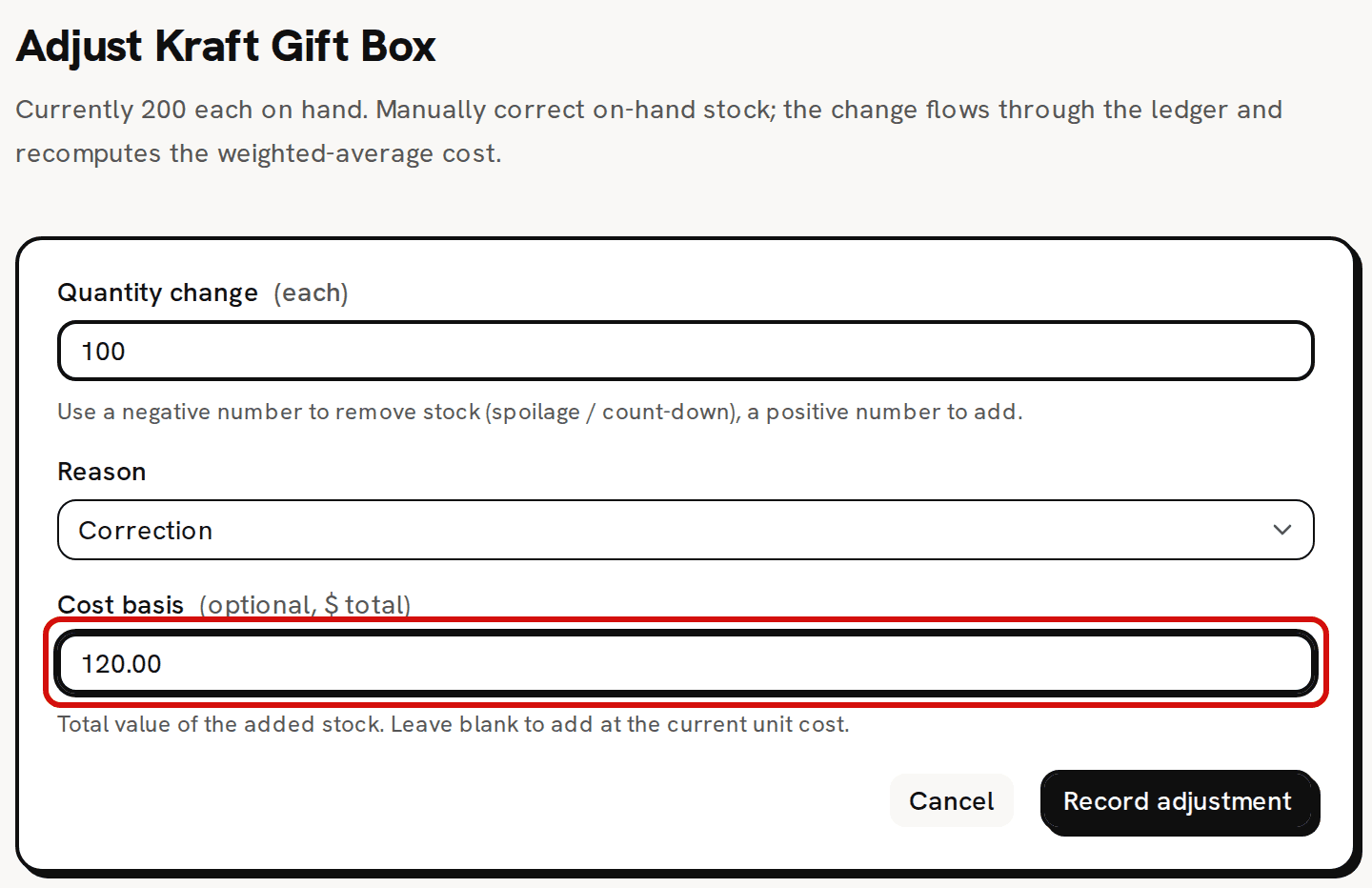
The cost basis is the total for all the added units. Click Record adjustment. 'Adjustment recorded' appears and you're back on Inventory, on the Materials tab.
How the unit cost blends
The added units enter at the cost basis ÷ the quantity. Trackost then blends them with the stock you hold:
new unit cost = (on hand × current unit cost + cost basis) ÷ (on hand + added units)
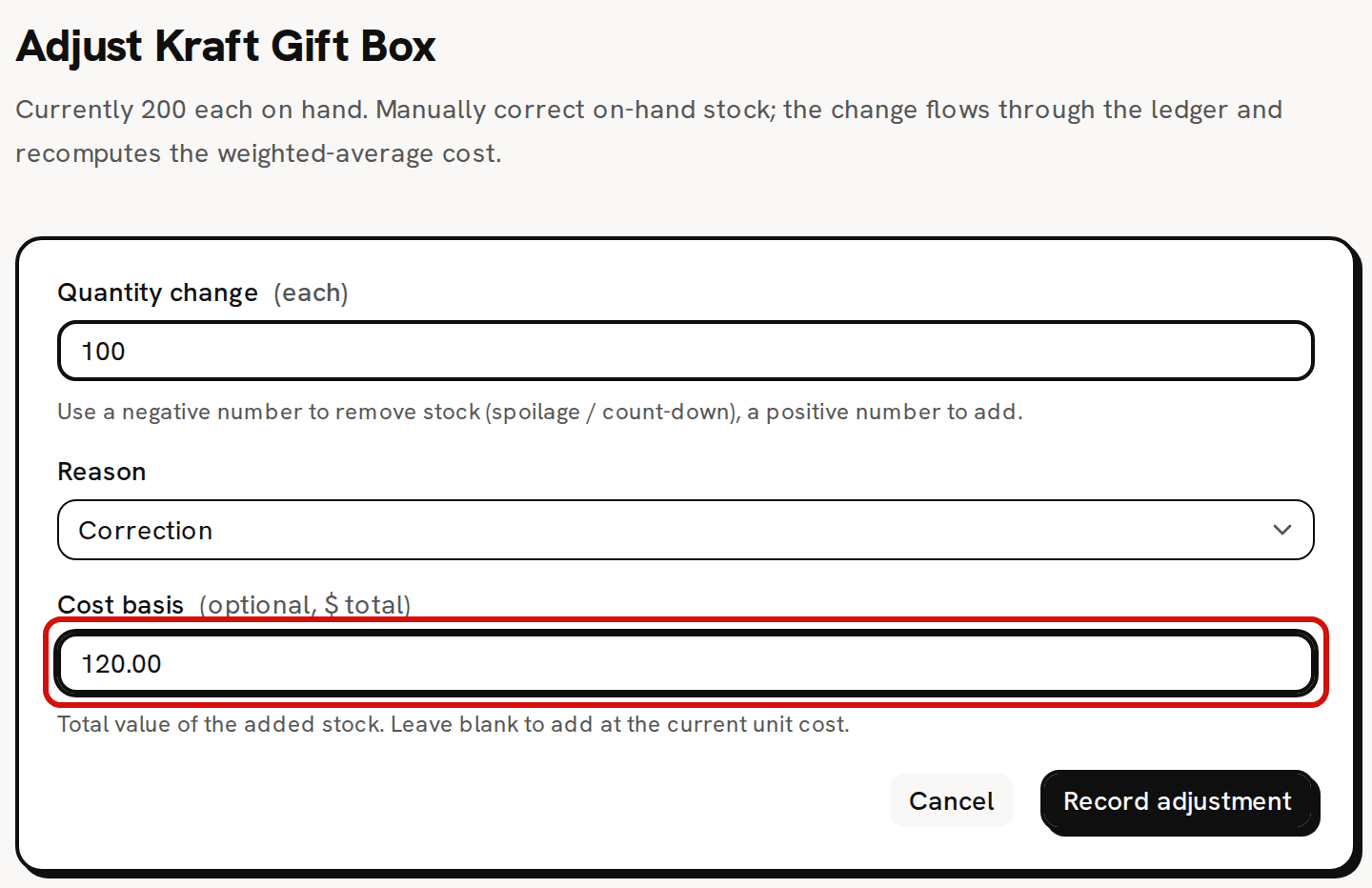
The sample Kraft Gift Box holds 200 at $1.10. Adding 100 with a cost basis of 120.00 gives (200 × $1.10 + $120.00) ÷ 300 = $1.13 a box. On an item with nothing on hand there is nothing to blend with, so the new units' cost becomes the unit cost: 100 units with a cost basis of 250.00 cost $2.50 each.
An adjustment can't be edited or deleted, so check the cost basis before you click Record adjustment. An adjustment the opposite way puts the count back but not the unit cost, because stock you remove leaves at the current, blended cost. To reset a wrong unit cost, take the count to zero, then add the stock back with the right cost basis.
If the item's count is below zero, the added units first fill that gap, so the new cost can land above or below the cost basis. Costing troubleshooting walks through it. If they don't bring the count above zero, the adjustment is refused with a technical message instead of a sentence. Add more than the shortfall.
Without a cost basis
- On an item with stock, a blank Cost basis adds the units at the current unit cost. The unit cost doesn't change.
- On an item with nothing on hand, a blank Cost basis is refused.
- A cost basis of 0.00 is accepted. It adds the units at no cost and pulls the unit cost down, so enter what they cost you.
- Taking stock away never asks for a cost basis. Removed stock leaves at the current unit cost.
Leave Cost basis blank on an item with nothing on hand and click Record adjustment. The form answers 'Add a cost basis — there's no existing stock to value this increase against.'
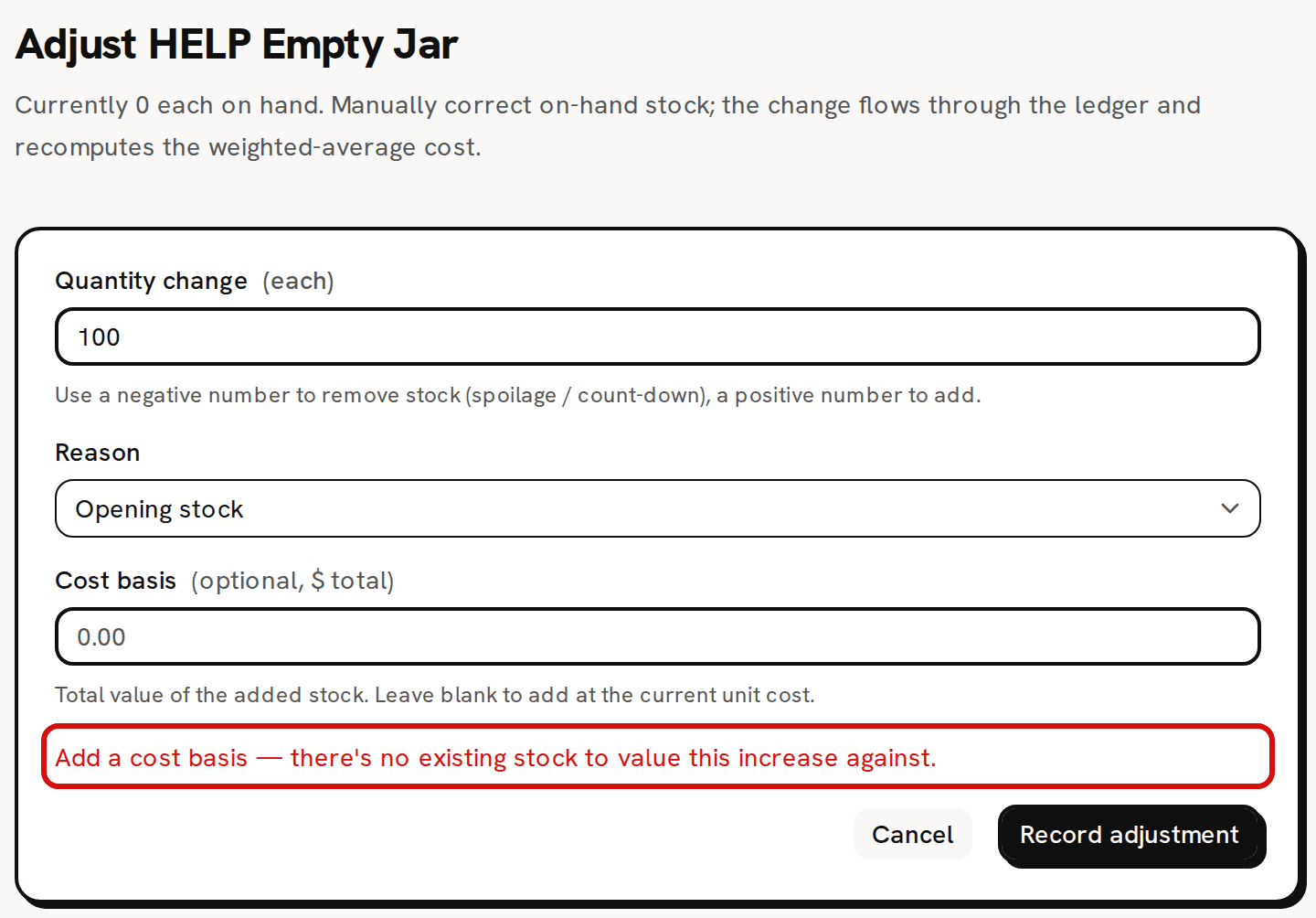
Nothing on hand: the cost basis is required.
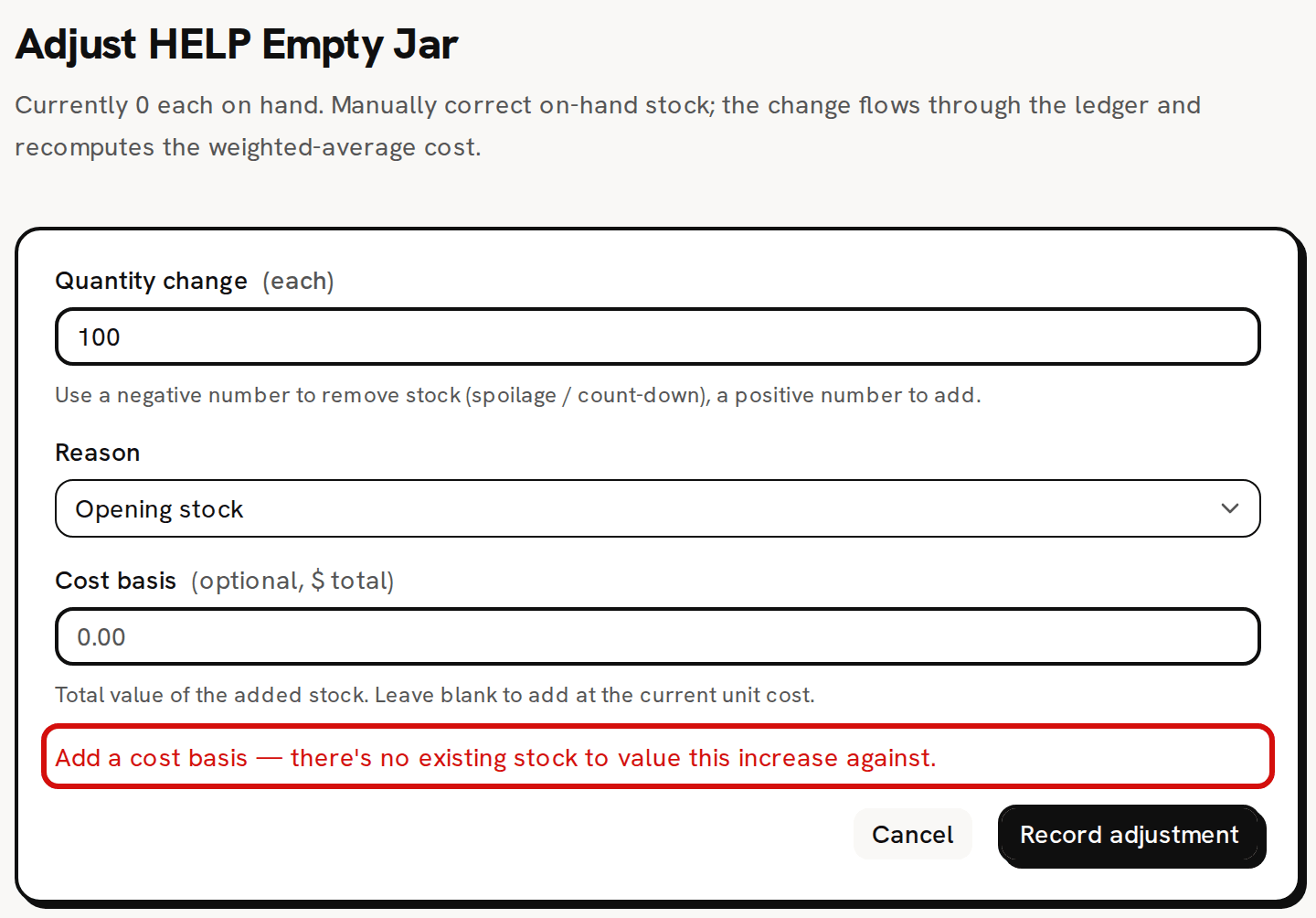
A team member without money access never sees the Cost basis field. Any units they add come in at the current unit cost, and they can't add stock to an item with nothing on hand.
Bought-in products enter this way
Purchases are recorded for materials only, so a product you buy in rather than make gets its stock through an adjustment. Give it a cost basis each time you add stock. That cost is what its sales are later costed at. Bring your real stock into Trackost covers opening stock for all your products on your first day.