Bring your real stock into Trackost
Set your inventory start date to the day you count, enter what you hold as opening stock with its cost, add your recipes, or ask us to do it for free.
Trackost can only tell you what your products really cost if it knows what your stock cost you. So your first real sitting is to count what you hold and enter it with its cost, on one day: your inventory start date. From then on, you record every purchase, batch and order as it happens.
Which part of this article you need depends on where you are:
- A new business with nothing in stock yet? Set the start date to the first of this month, then record your purchases as you make them. You can skip the counting.
- Already selling, but not tracking costs yet? Follow every section below.
- Moving from another tool or a spreadsheet? Ask for the free migration instead, and we move your data in for you.
There is no file import in the app and no way to reset a workspace, so what you enter stays. Entering opening stock needs money access, because it carries a cost.
Pick the day you count
Choose the day you'll count everything you hold. Your start date must be on or before that day. The first of the month is safest; avoid today's date. Trackost checks dates by the UTC calendar (Greenwich time), so if you are ahead of UTC, in Europe, Asia or Australia, what you record in the first hours of your day counts as the day before and a start date of today refuses it. Count materials in the unit you track them in, and finished products one variation at a time.
Set the inventory start date
Open More › Get started in the sidebar and click Your business.
Set Inventory start date to the first of this month, or another day before your counting day, then click Save profile.
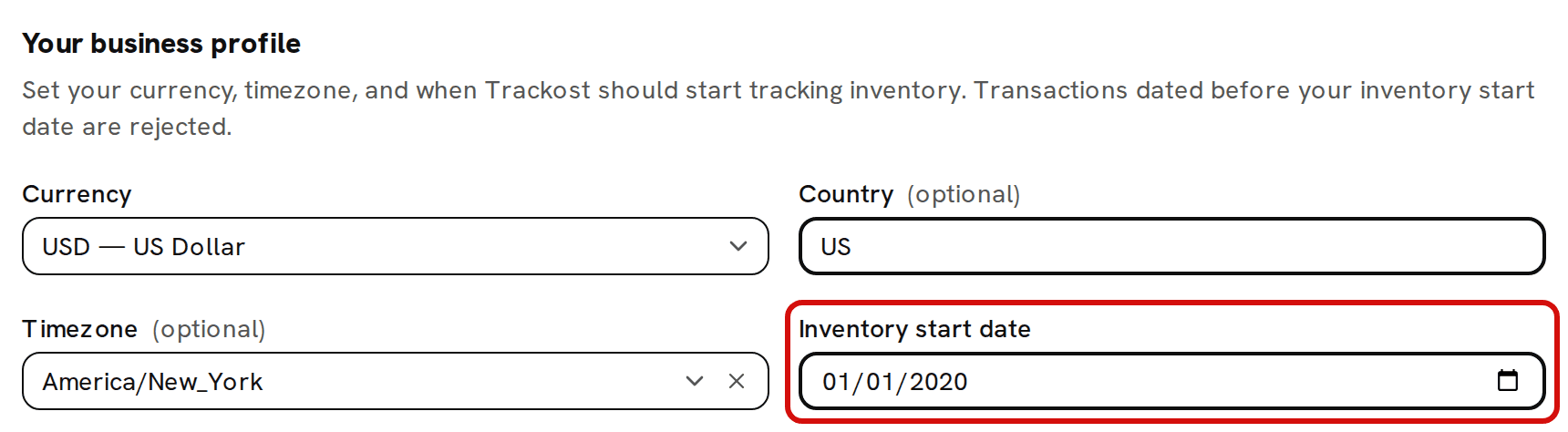
Set the start date on or before the day you count, then save the profile.
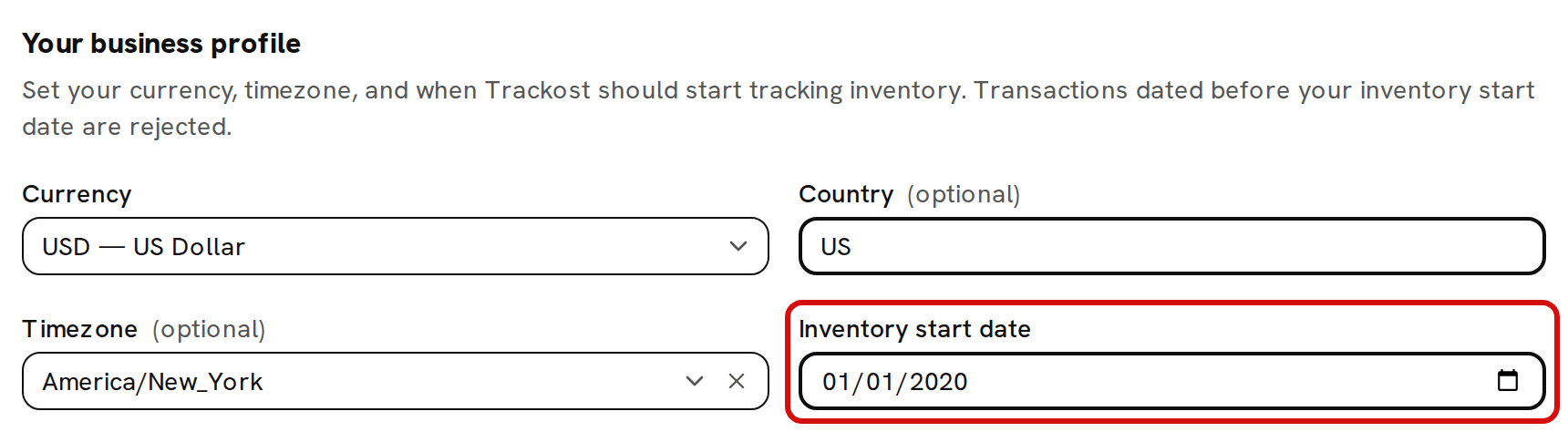
From now on Trackost refuses any purchase, stock received on a purchase order, vendor credit, batch, adjustment or shipment dated before that day. About the inventory start date explains why.
Enter the materials you hold
Open Materials and click Add material.
Fill in the material's name and units as usual.
Under Opening stock (optional), type the Opening quantity you counted and, in Opening total cost ($), what you paid for that whole quantity. Trackost divides one by the other: 500 g that cost $25.00 is $0.05 a gram. Enter the quantity in the unit you track the material in, not the unit you buy it in. A wax tracked in grams and bought in kilograms takes 2000 for 2 kg.

Opening stock on a material: the quantity you hold and what you paid for all of it. Click Add material. 'Material added' confirms it.

Opening stock is recorded as an opening adjustment, not as a purchase, so it doesn't appear in the material's Purchase history.
Enter the finished products you hold
Your products need to exist first, with their variations. Then give each variation you hold its opening stock:
Open Inventory and click the Products tab. The page opens on Materials.
Click Adjust on the variation's row.
In Quantity change, type how many you counted, for example 100.
Under Reason, choose Opening stock.
In Cost basis, enter the total value of those units, which is what they cost you to make or buy, all together. 100 soap bars that cost $1.75 each have a cost basis of 175.00.
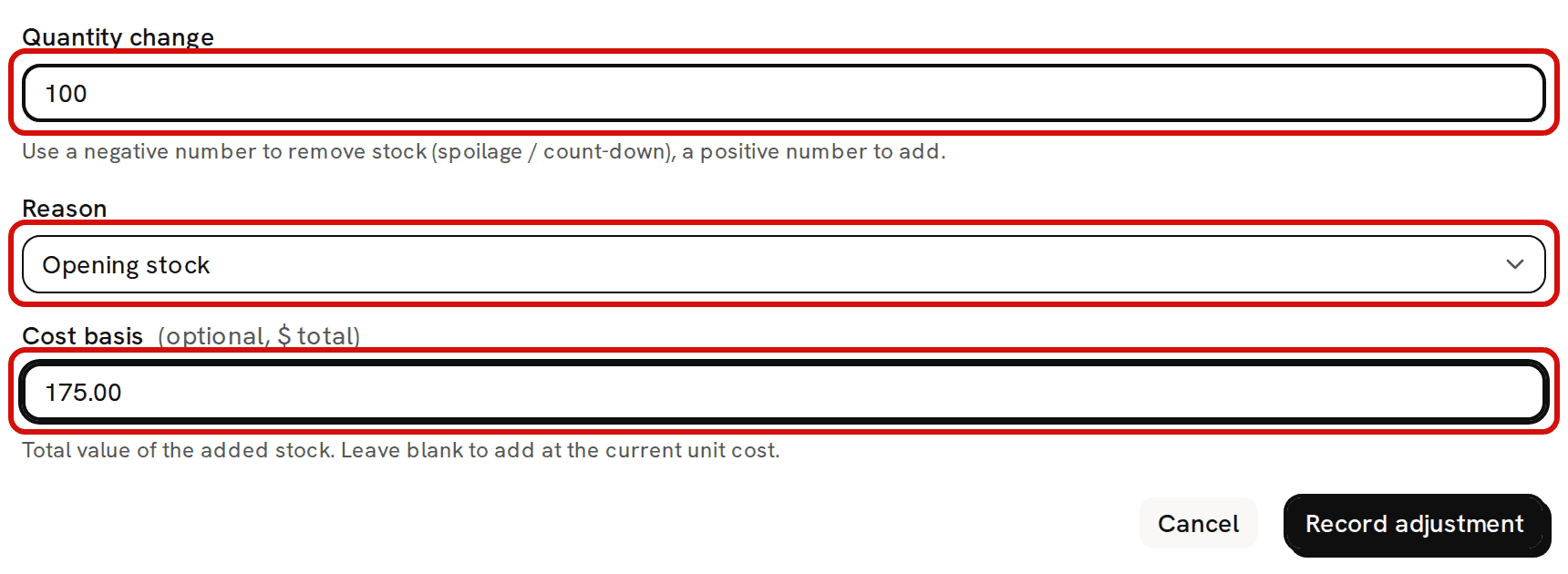
Finished products you already hold: the reason Opening stock, plus what all of those units cost. Click Record adjustment. 'Adjustment recorded' confirms it.
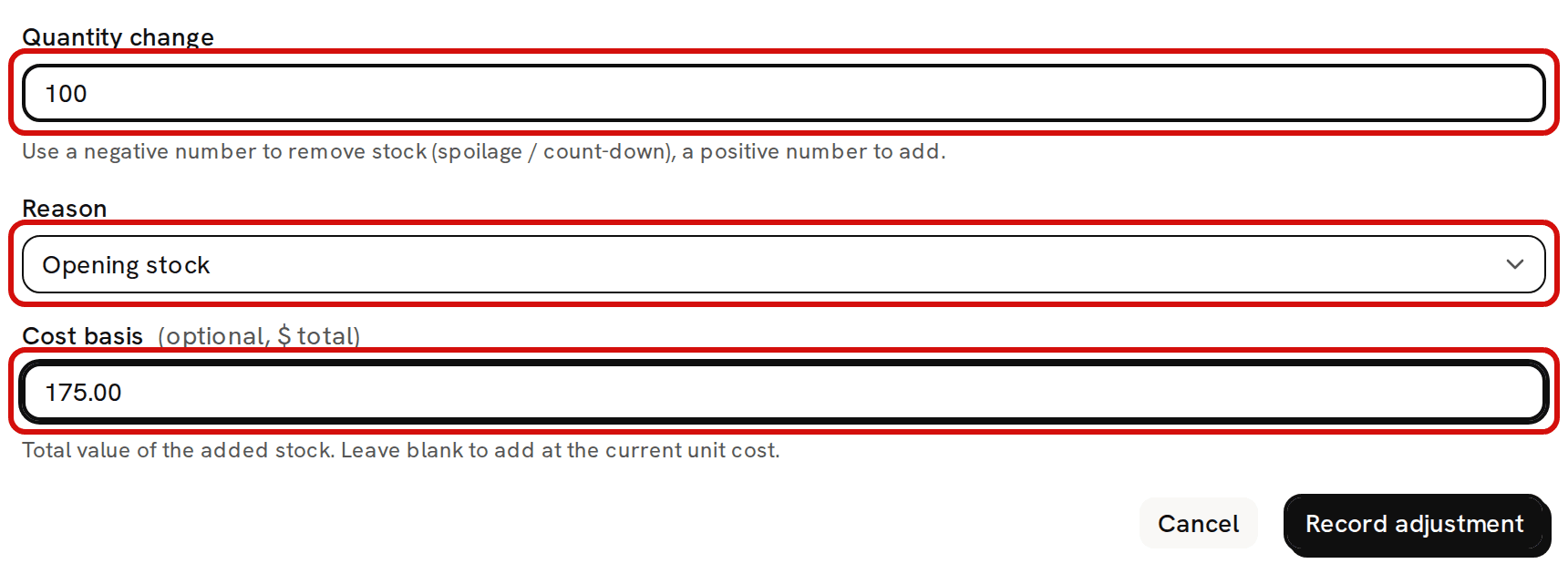
If you already claimed what this stock cost as an expense in your accounts, talk to your accountant before you enter a cost for it.
Never add opening stock without a cost
A quantity that goes in without a cost sits in your stock at $0.00. Every batch that uses it and every sale of it is then costed too low, and that stays in the records after you notice.
Two of these mistakes are refused. Add material refuses an opening quantity with an empty cost ('Opening cost is required (valid dollar amount) when opening quantity is set'). Record adjustment refuses to add stock to a variation with none on hand unless you give a Cost basis ('Add a cost basis — there's no existing stock to value this increase against.'). Neither form stops a cost of 0.00, so enter the real one.
If the variation already has stock, a blank Cost basis adds the new units at the variation's current unit cost. With a cost basis, the new units blend into that cost instead.
Add your recipes
For each product you make, open Recipes, click Build on the product's row, add what goes into one batch and save it with Save recipe version. From then on, every batch you log costs itself from the recipe and your materials' current costs.
Or let us do it: the free migration
Moving from another tool or a spreadsheet? Instead of typing your materials, products, recipes and opening stock, ask us to move them in for you. It's free on every plan. Open Migration in the sidebar, answer the short form and click Request free migration. We email you to arrange the move. Sending the form also marks your setup in Get started as done, before anything has moved. Request your free migration walks through the form.
From then on: record as it happens
Your history in Trackost starts on your counting day. Batches and adjustments are always dated today, so older batches can't be entered afterwards. Purchases and ship dates can be dated in the past, back to your start date, but a past-dated purchase is blended into your average cost as it stands when you enter it, and a past-dated shipment is costed at today's average. A backdated start date can't rebuild your past. A manual order's Order date can be in the past too. It places the order in the order reports, while its cost of goods sold is dated by the ship date.
So from your counting day on, record every purchase, batch and order when it happens.